How to Revoke Token Approvals on MetaMask (Step-by-Step)

Ashir Khan writes about cryptocurrency security, self-custody, macro market analysis, and regulatory policy at CryptoBeacon.
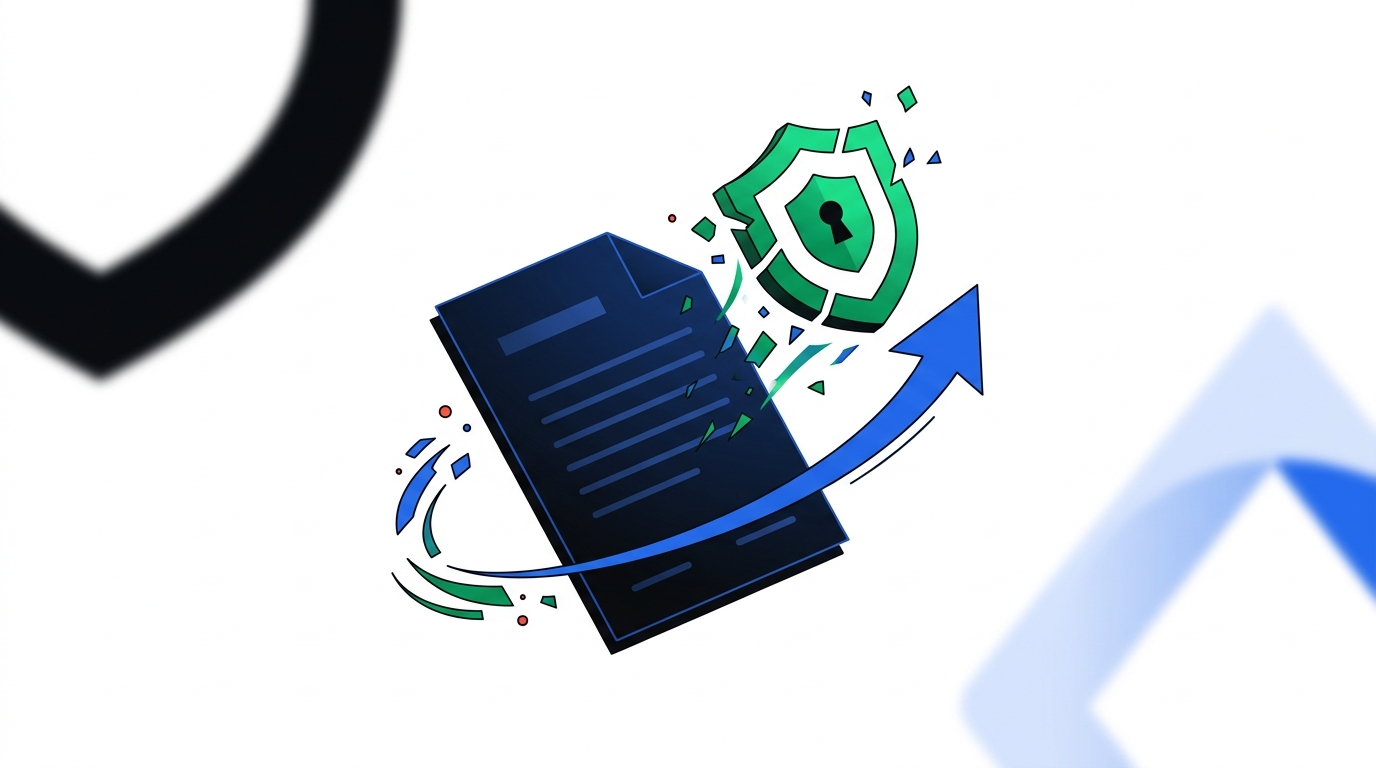
Every time you use a decentralized app — swapping tokens, minting an NFT, staking — you typically approve that app's smart contract to spend a specific token from your wallet. Most people approve these permissions once and never think about them again. That's the problem: an old, forgotten approval to a contract that later turns out to be compromised is one of the most common ways wallet drainer attacks happen, even years after the original interaction. Fake airdrops are a common delivery method for this exact kind of harmful approval — if you're evaluating an airdrop right now, see our guide on how to tell if a crypto airdrop is a scam.
This guide covers what a token approval actually is and exactly how to review and revoke one in MetaMask.
This article is educational. It isn't financial advice.
What a Token Approval Actually Is
When a dApp needs to move your tokens on your behalf, it asks you to sign an approval transaction first. That approval can be for a limited amount (just enough for the transaction you're doing) or unlimited (many dApps request this by default, so you won't need to re-approve on every future transaction). Unlimited approvals are convenient — and they're also a standing risk, because that permission remains active indefinitely until you manually revoke it, regardless of whether you ever use that dApp again.
| Limited Approval | Unlimited Approval | |
|---|---|---|
| Ongoing risk if contract is compromised later | Capped at approved amount | Full token balance |
| Convenience | Re-approve each time | One-time setup |
| Recommended for | Unfamiliar or one-time dApps | Established, frequently-used platforms only |
Why This Matters Even If You Weren't "Hacked"
A wallet drainer attack doesn't need to steal your seed phrase. If a contract you approved months ago is later exploited or maliciously updated, an attacker can use your existing approval to move funds — without you signing anything new at all. This is why periodic review matters even if you haven't clicked anything suspicious recently.
How to Review and Revoke Approvals on MetaMask
Open MetaMask
Open MetaMask and select the network your tokens are on (approvals are network-specific — check each network you actively use).
Go to Settings → Connected Sites / Permissions
Navigate here (labeled "Permissions" in current versions) to see which sites currently have wallet access. This shows connections, which is a related but separate thing from token spending approvals — remove any sites you don't recognize or no longer use here first.
Check Token Approvals via Block Explorer
For token spending approvals specifically, MetaMask directs you to a block explorer's token approval checker for your network (for example, Etherscan's "Token Approvals" tool for Ethereum mainnet). Connect your wallet there in read-only view to see a full list of active approvals.
Review the List
Look for: contracts you don't recognize, dApps you used once and never returned to, and any approval marked "Unlimited" for a token you hold a meaningful balance of.
Revoke Unwanted Approvals
Click "Revoke" next to any approval you want to remove. This creates a new transaction (revoking requires a small network fee, since it's an on-chain action) that sets the approved amount back to zero.
Confirm in MetaMask
Confirm the transaction in MetaMask when the popup appears. Once confirmed, that contract can no longer move the token, even if it's later compromised.
Repeat Periodically
A quarterly check is a reasonable habit, or immediately after using any new or unfamiliar dApp.
A Few Things to Know Before You Start
- Revoking costs a small network fee for each individual approval, since it's an on-chain transaction. If you have many old approvals, batch tools exist that can revoke several in fewer transactions — approach these the same way you'd vet any dApp: check its reputation and permissions before connecting.
- Revoking doesn't affect funds already in your wallet — it only removes a contract's permission to move tokens in the future. It's not a recovery action, it's a prevention one.
- You don't need to revoke approvals for platforms you actively and currently trust and use. The goal is removing forgotten, unused permissions — not stripping every approval indiscriminately.
Key Takeaways
- A token approval gives a smart contract permission to move a specific token from your wallet — sometimes indefinitely, if set to "unlimited."
- Old approvals remain a risk even long after you've stopped using the dApp, since a later compromise of that contract can still use your standing permission.
- Revoking sets the approval back to zero and costs a small network fee, but doesn't touch your existing token balance.
- A quarterly review habit, or a check after using any new dApp, is a reasonable baseline.
Frequently Asked Questions
Does revoking a token approval cost money?
Yes — it's an on-chain transaction, so it requires a small network fee, the same as any other transaction.
Will revoking an approval affect the tokens I already hold?
No. Revoking only removes a contract's permission to move tokens in the future — it has no effect on your existing balance.
How often should I check my token approvals?
A quarterly review is a reasonable habit, and it's worth checking again any time you've used a new or unfamiliar dApp.
Is it safe to use a third-party revoke tool instead of a block explorer?
Treat any tool that requests wallet access the same way you'd vet any dApp — check its reputation, understand what it's asking permission for, and revoke its own access afterward if it's a one-time check.
Financial Disclaimer
This article is for informational and educational purposes only and should not be considered financial or investment advice. Past performance is not indicative of future results.
Wallet interfaces and steps may change over time — always verify current steps against your wallet's official documentation.