How to Read a Block Explorer

Ashir Khan writes about cryptocurrency security, self-custody, macro market analysis, and regulatory policy at CryptoBeacon.
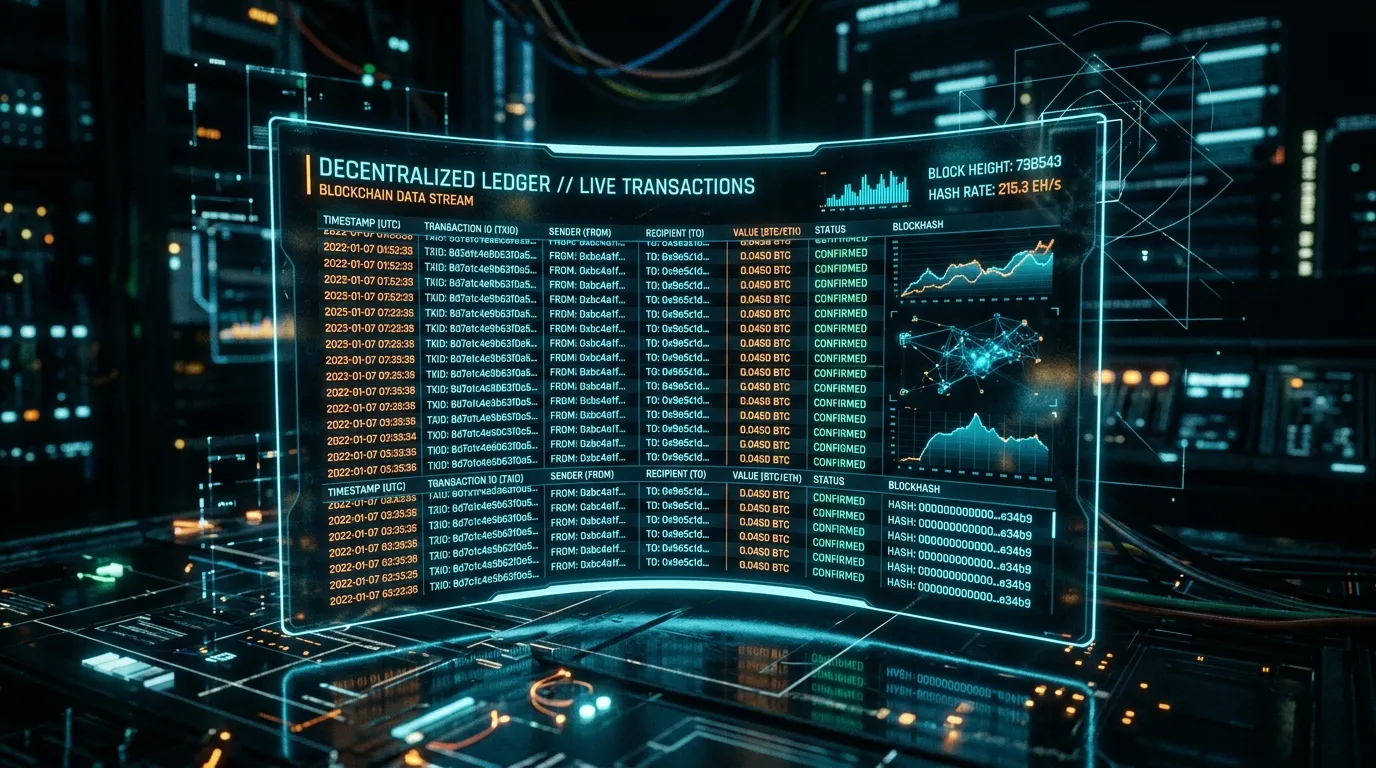
A block explorer is effectively the search engine for a blockchain. It allows anyone with an internet connection to view all historical and real-time data on the network, including balances, transaction histories, and network fees.
If you send cryptocurrency from an exchange to your wallet and it doesn't show up immediately, your first instinct might be panic. Learning how to read a block explorer cures this panic. It allows you to verify exactly where your transaction is, whether it's stuck waiting for a block, or if it has already been confirmed.
I remember the sheer terror of my first large Bitcoin transfer. I stared at my empty wallet for twenty minutes before someone showed me how to paste the transaction ID into Mempool.space, where I instantly saw it was just waiting for the next block to be mined.
This article is educational. It isn't financial advice.
1. What is a Block Explorer?
Blockchains are public ledgers. Every transaction ever made is recorded and visible to anyone. However, raw blockchain data is just a continuous stream of cryptographic hashes and code. A block explorer provides a graphical user interface (GUI) to make this data readable for humans.
You don't need an account to use an explorer, and using one is completely anonymous. Explorers read data from the blockchain; they cannot write to it or alter transactions.
2. Finding Your Transaction (TXID)
The most common reason to use a block explorer is to check the status of a transaction you just sent or are waiting to receive.
Every transaction is assigned a unique identifier called a Transaction ID (TXID)or Transaction Hash. If you withdraw from an exchange, they will provide this TXID in your withdrawal history. If you send from a personal wallet, you can view the TXID in the wallet's transaction details.
To track your transfer, simply copy the TXID, open a block explorer for the relevant network, and paste the TXID into the main search bar.
3. Anatomy of a Transaction Page
When you search for a TXID, you will see a screen densely packed with information. Don't be intimidated; you only need to focus on a few key fields:
- Status: This is the most important field. It will show as either "Unconfirmed/Pending" (waiting in the mempool), "Confirmed/Success" (included in a block), or "Failed" (common on smart contract networks if gas runs out).
- From / To: These are the sending and receiving addresses. Verify that the "To" address exactly matches the address you intended to send to.
- Amount: The total amount of crypto transferred.
- Fee: The network fee paid to miners/validators to process the transaction.
- Block Height / Confirmations: The block number your transaction was included in, and how many subsequent blocks have been built on top of it. More confirmations mean the transaction is more permanent.
4. Popular Block Explorers by Network
Because blockchains are distinct networks, you must use an explorer designed for the specific coin you are sending. If you search a Bitcoin TXID on an Ethereum explorer, it will return no results.
- Bitcoin: Mempool.space is widely considered the best modern Bitcoin explorer, offering excellent visual representations of the mempool and transaction fees.
- Ethereum: Etherscan is the gold standard for Ethereum, allowing deep dives into smart contract interactions and token transfers.
- Solana: Solscan and Solana Explorer are the primary tools for tracking Solana's high-speed transactions.
Frequently Asked Questions
Are block explorers free to use?
Yes, almost all block explorers are completely free and open to the public. They simply read and display data that is already publicly available on the blockchain.
Can I cancel a transaction using a block explorer?
No. A block explorer is simply a viewer — a window into the blockchain. You cannot interact, send, or cancel transactions from an explorer. It only displays information.
Why isn't my transaction showing up on the explorer?
If you just sent it, it might take a few moments to propagate through the network. If it never appears, the transaction was likely never broadcast by your wallet, or you are looking at the wrong blockchain network.
Is it safe to type my wallet address into a block explorer?
Yes, it is perfectly safe. Your wallet address is public information. However, you should never type your private key or seed phrase into a block explorer (or any website).
Conclusion
Block explorers are essential tools for demystifying cryptocurrency. By learning how to input a TXID or a wallet address, you gain independent verification of your funds, freeing you from relying entirely on a wallet app's interface to tell you what is happening behind the scenes.
Financial Disclaimer
This article is for informational and educational purposes only and should not be considered financial or investment advice. Past performance is not indicative of future results.