Hardware Wallet Comparison Guide: Ledger, Trezor & More

Ashir researches and writes about crypto self-custody and security at CryptoBeacon, helping readers understand how to safely store and manage their digital assets.
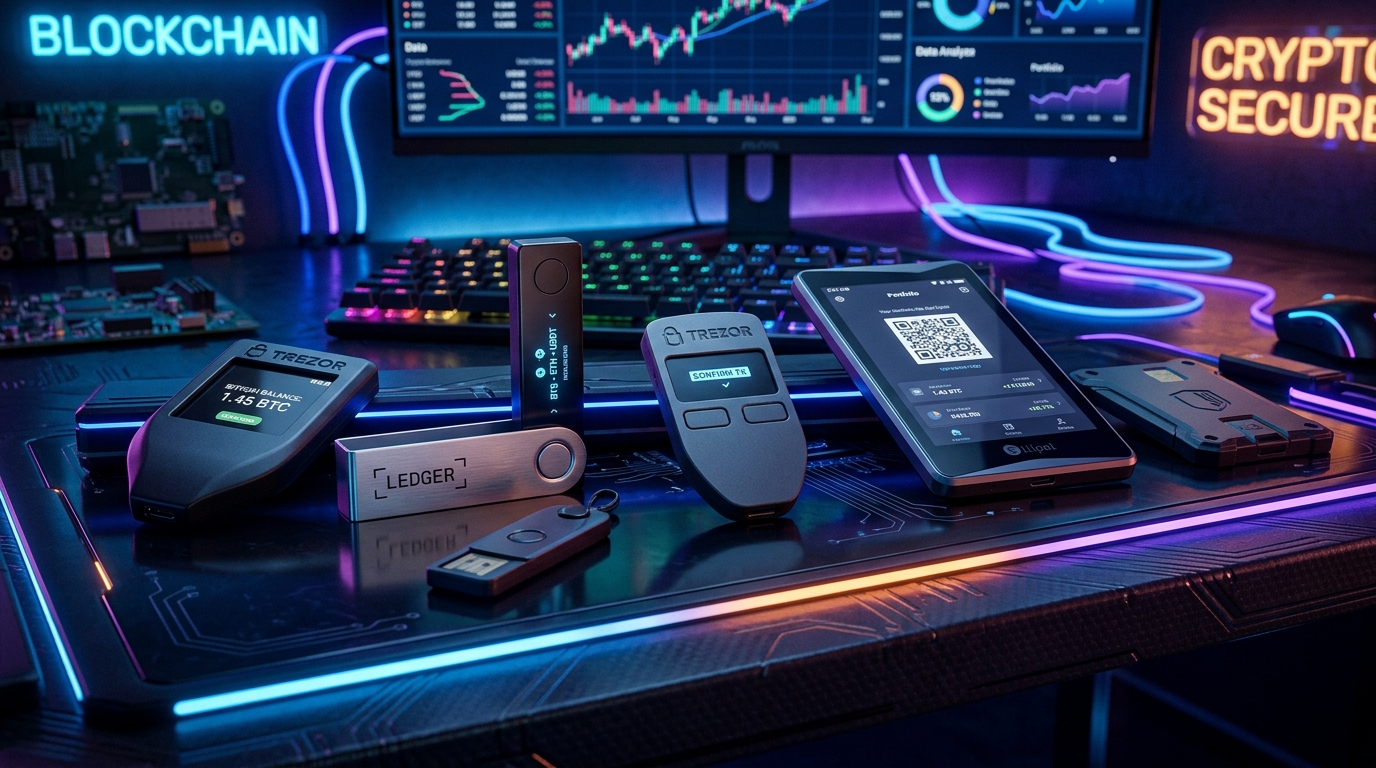
If you plan to hold a significant amount of cryptocurrency for the long term, moving your funds off exchanges and into a hardware wallet is the single most important security upgrade you can make. But with so many options on the market, choosing the right device can be paralyzing.
Hardware wallets (often called "cold wallets") all perform the same core function: they generate and store your private keys offline, allowing you to sign transactions without ever exposing those keys to your internet-connected computer or phone. However, they differ wildly in their security architectures, open-source philosophy, and supported assets.
In our extensive testing of these devices, the biggest mistake we see users make isn't choosing the "wrong" brand, but failing to physically write down their recovery seed phrase correctly. I once spent three stressful days trying to recover a test wallet simply because I had hastily scribbled down an 'e' that looked like an 'a'.
This article is educational. It isn't financial advice.
Why You Need a Hardware Wallet
When you keep crypto on an exchange (like Coinbase or Binance), you don't actually own the cryptocurrency; you have an IOU from a company. If that company goes bankrupt (as happened with FTX), your funds are likely gone. When you use a software wallet on your phone or laptop (a "hot wallet" like MetaMask or Trust Wallet), you control the keys, but they are vulnerable to malware, keyloggers, and clipboard hijackers on that internet-connected device.
A hardware wallet acts as an isolated, single-purpose computer designed to do only one thing: store secrets. Even if your laptop is completely compromised with malware, the hacker cannot extract the private keys from the hardware wallet when you plug it in. The device only sends the cryptographically signed transaction back to the computer, keeping the keys safely locked inside its internal chip. You must physically push buttons on the device to approve any outbound transfer.
Ledger: The Industry Standard
Ledger is the most recognizable name in crypto hardware, with the Nano S Plus and Nano X being their flagship devices.
- Pros: Massive asset support, excellent companion app (Ledger Live), Bluetooth support (Nano X), and a true Secure Element chip (CC EAL5+ certified).
- Cons: Closed-source firmware. Ledger relies on "security through obscurity" for parts of its software stack. Past controversies regarding their opt-in "Recover" service also damaged trust with hardcore privacy advocates.
Ledger remains an excellent choice for users who hold a wide variety of altcoins and want a polished, consumer-friendly experience.
Trezor: The Open-Source Pioneer
Trezor, created by SatoshiLabs, launched the world's first hardware wallet. Their current lineup includes the entry-level Safe 3 and the premium touchscreen Model T.
- Pros: 100% open-source software and hardware designs. The community can audit every line of code. The new Safe 3 model finally introduces a dedicated Secure Element.
- Cons: Slightly less altcoin support natively within the Trezor Suite app compared to Ledger (though third-party integrations bridge the gap). Older models (Model One/Model T) lack a secure element, making them theoretically vulnerable to physical extraction if stolen.
Trezor is beloved by transparency advocates who demand verifiable open-source code over closed-box security models.
Coldcard: The Bitcoin Maximalist's Choice
Made by Coinkite, the Coldcard is built exclusively for Bitcoin. It looks like a cheap calculator but is arguably the most secure retail hardware wallet in existence.
- Pros: Fully air-gapped operation (you can sign transactions using a MicroSD card without ever plugging it into a PC). Dual secure elements from different manufacturers. Verifiable source code. Physical security features like epoxy-filled casing.
- Cons: Bitcoin only. High learning curve. Clunky user interface compared to Ledger/Trezor.
If you only hold Bitcoin and are willing to tolerate a steeper learning curve for maximum paranoia-grade security, the Coldcard is the gold standard.
BitBox02: The Minimalist Middle Ground
The Swiss-made BitBox02 combines the open-source ethos of Trezor with the hardware security of Ledger in an incredibly sleek package.
- Pros: Open-source firmware combined with a Secure Element chip. Very simple backup process using an included MicroSD card (no need to write down words manually unless you want to). Excellent companion app.
- Cons: Touch sensors on the side of the device can take getting used to. Smaller list of supported altcoins.
The BitBox02 is highly recommended for users who want top-tier security without the extreme complexity of a Coldcard, and who prefer open-source firmware over Ledger's approach.
Hardware Wallet Quick Compare
Side-by-side technical specs for the major models.
| Model | Secure Element | Open Source | Screen Type | Air-gapped |
|---|---|---|---|---|
| Ledger Nano X | Monochrome OLED | (Bluetooth/USB) | ||
| Trezor Safe 3 | Monochrome OLED | (USB) | ||
| Coldcard Q | (Dual) | (Source viewable) | Color LCD | (MicroSD/NFC) |
| BitBox02 | Monochrome OLED | (USB-C) |
Conclusion
There is no single "best" hardware wallet — the right choice depends on your technical comfort level, whether you demand open-source code, and whether you hold only Bitcoin or a diverse portfolio of altcoins. For most beginners wanting broad altcoin support, Ledger is the easiest starting point. For those who prioritize open-source verifiability, Trezor or BitBox are excellent upgrades. For the hardcore Bitcoin maximalist, Coldcard remains the ultimate bunker.
Critical Security Rule: Never buy a hardware wallet from Amazon, eBay, or any third-party reseller. Always buy directly from the manufacturer's official website to prevent supply-chain attacks where devices are tampered with before reaching you.
Sources & Further Reading
Financial Disclaimer
This article is for informational and educational purposes only and should not be considered financial or investment advice. The security of a hardware wallet ultimately depends on how safely you store its backup seed phrase. If you lose the seed phrase, no customer support can recover your funds.